
Floor Planner Tool
- Floor Planner Tool
Intro
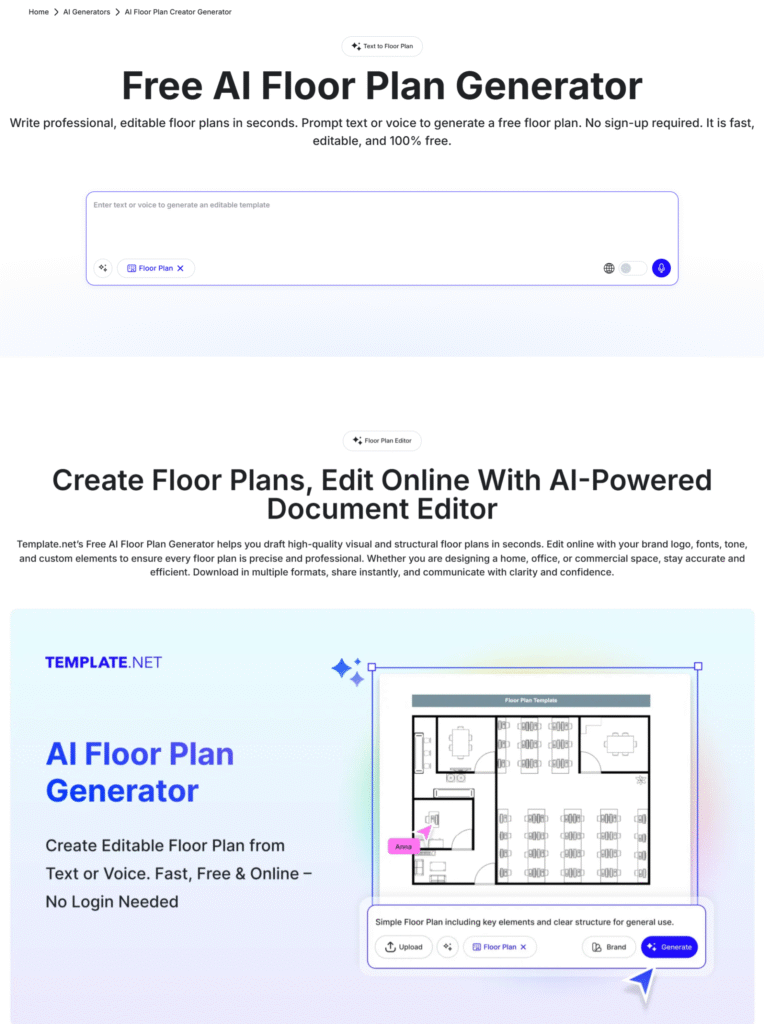
Create and edit floor plans online in minutes using our AI-powered Floor Planner Tool. Whether you’re designing a new house, remodeling your office, or visualizing interior layouts, this tool makes it simple to draw, modify, and export professional plans, no design experience required.
Create Floor Plans with Smart Online Editor
Use our interactive editor to plan and customize your building layout. Simply drag rooms, walls, doors, and windows into place, then add furniture or labels for a realistic preview. You can easily adjust room dimensions and generate a printable layout that matches your project requirements.
Key Features
- Easy drag-and-drop floor design editor
- Auto-adjustable room sizing
- Real-time area and dimension calculator
- Import or export plans as PDF or image
- Save and re-edit anytime online
Write Custom Floor Plans in Seconds
With smart templates and AI assistance, you can create professional floor plans instantly. The tool provides auto-suggestions for residential, commercial, or mixed-use layouts based on your project type.
Popular Uses
- House and apartment layout planning
- Office and workspace design
- Shop or showroom setup visualization
- Restaurant and café seating layout
- Interior design and furniture placement
How It Helps
- Saves design time with AI-generated structure suggestions
- Adjusts scale and measurements automatically
- Makes collaboration easy with shareable online links
How to Use the Floor Planner Tool
- Click Start Designing to open the editor.
- Choose your layout type — residential, commercial, or mixed.
- Select dimensions or import an existing plan.
- Drag and drop rooms, furniture, and labels.
- Download or share your floor plan once complete.
Example:
Create a 10 Marla house layout Select “Residential,” set dimensions, and drag kitchens, bedrooms, and bathrooms into the grid. Adjust walls and doors with simple clicks and preview your full layout instantly.